
Teams
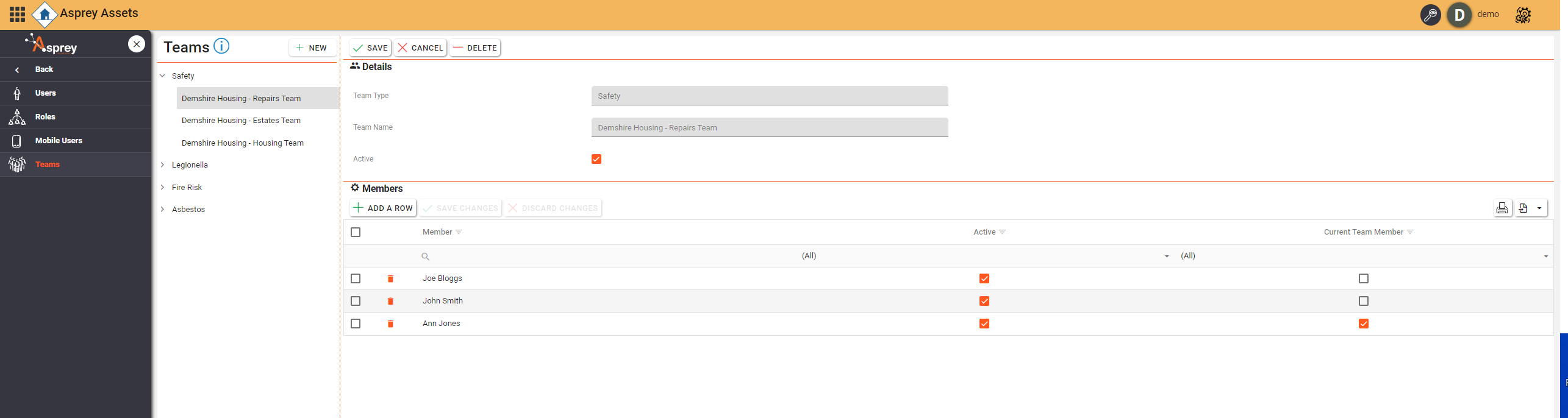
Use the Teams section to add Teams and members to those teams.
Add a new team
To add a new team, select the “Teams” menu from the navigation bar within the User Manager and click the “new” button.
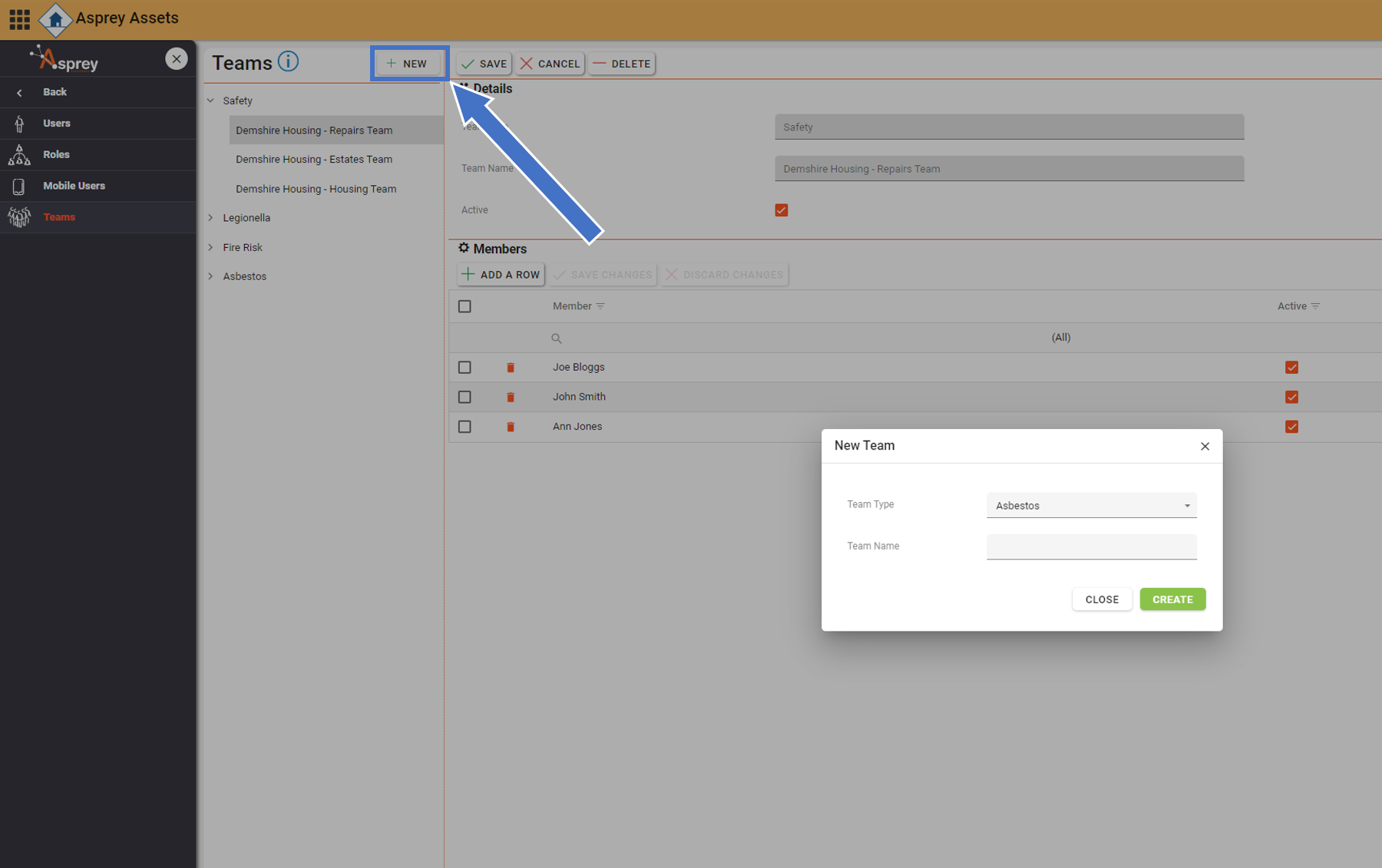
From the dialogue box, select the team type and the team name and click “Create”.

Once a team has been created, the name and type cannot be edited.
Adding members to a team
To add a member to a team, select the team from the left-hand side and select “Add a Row” under the “members” section. Enter the details of the team and check the “Active” and “Current team member” boxes ass required. Once complete, click the “Save Changes” button.
