
Mobile Users
Use the Mobile User section to create, edit and delete mobile users. Here you can also assign which applications they belong to and the permissions associated with them.
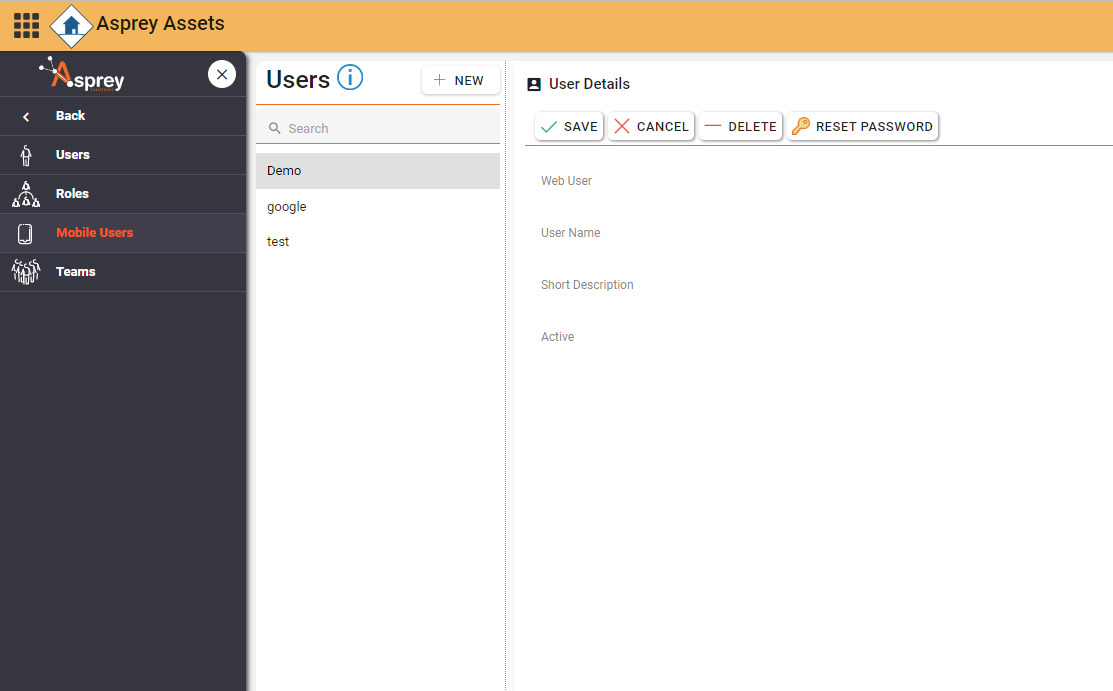
Assign the Mobile User to a web user in the Users section.
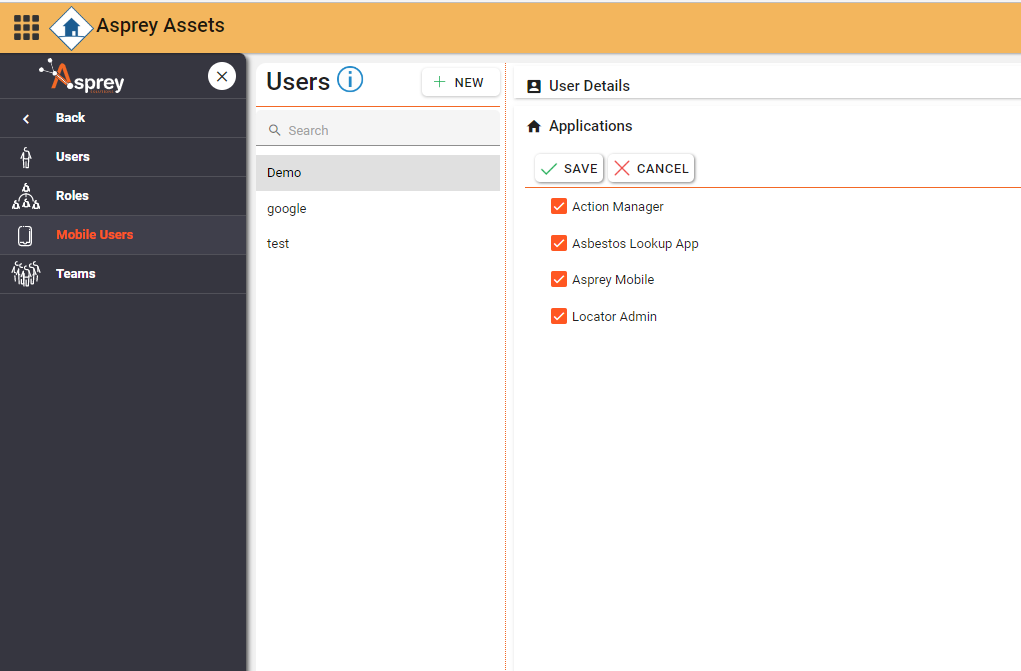
Apply the applications which that mobile user has access to.
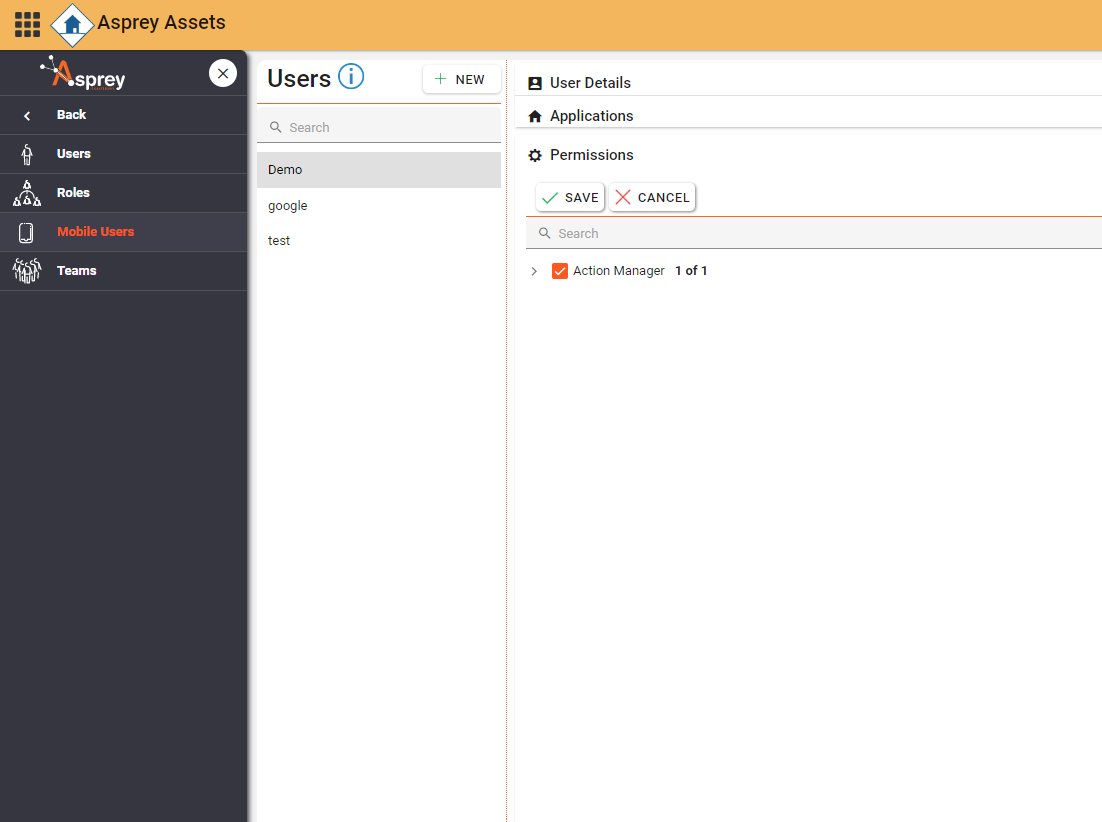
Apply any permissions for the mobile applications.
Adding a new Mobile User
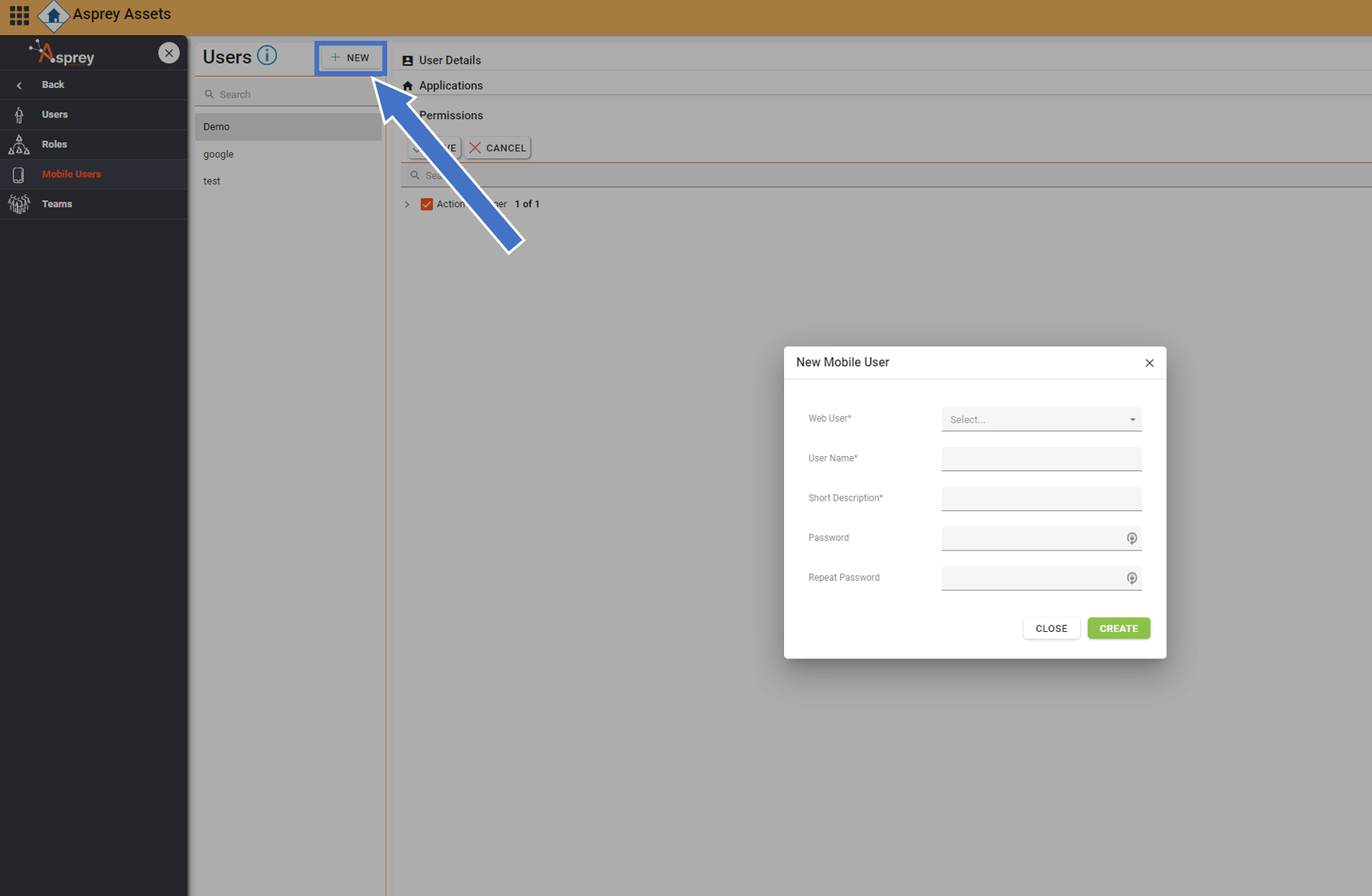
To add a new mobile user, click the “mobile users” heading in the navigation bar and click the “New” button. The following Dialogue box will appear. fields marked with an * are denoted as mandatory.

A Mobile user must be linked to a web user. If the user does not exist in the web users, please see the section on adding a new user before continuing.
Complete the fields and click the create button.

The Short Description is a three-letter description of the user for the mobile application.
Assigning mobile user applications
To assign users to mobile applications, select the user from the “mobile users” section and click “Applications” in the right-hand side of the screen.
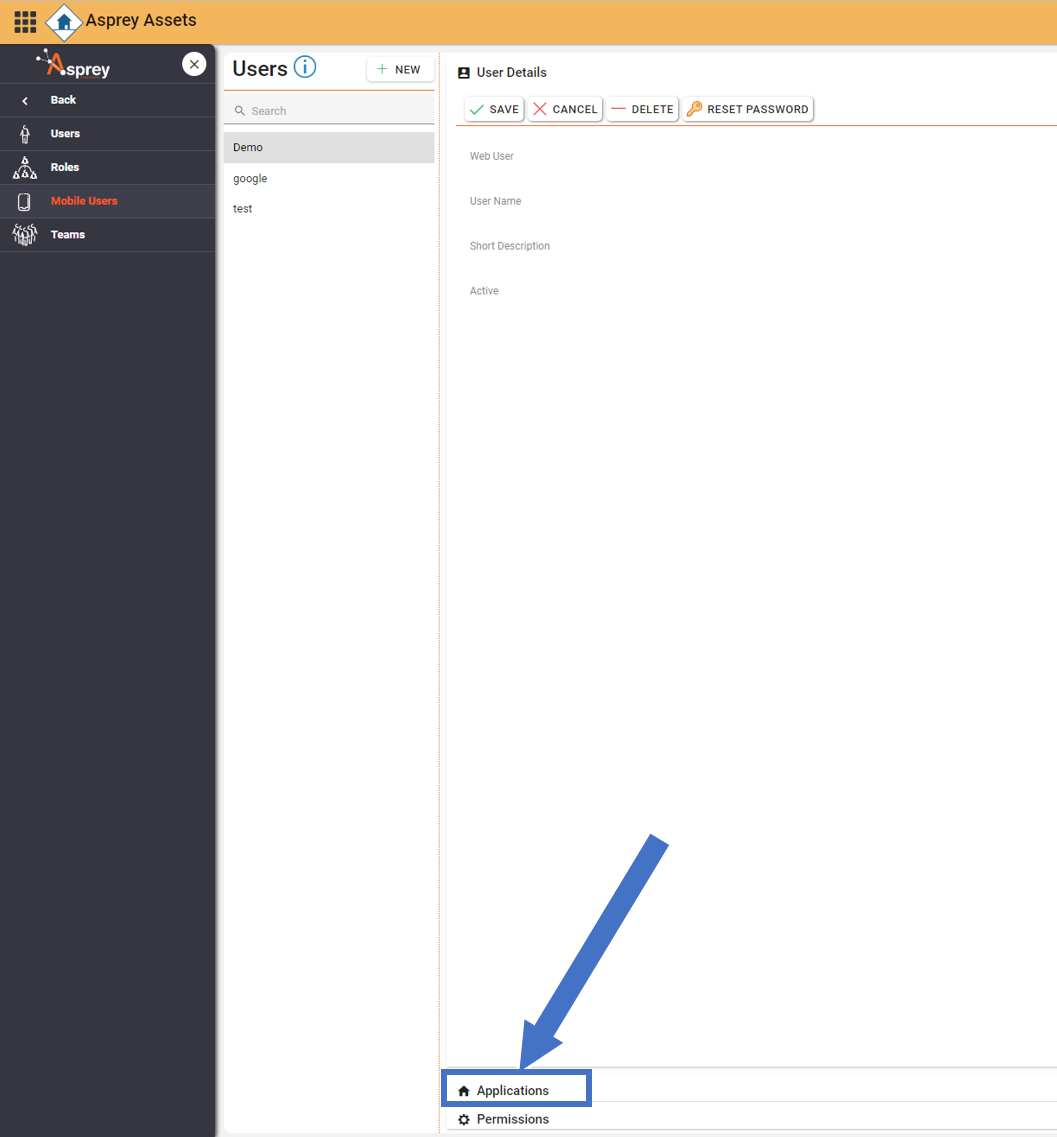
Then select the mobile applications the user is to have access to and click “save”.
Adding mobile user permissions
To add permissions to a mobile user, select the user from the “mobile users” section and click “Permissions” in the right-hand side of the screen.
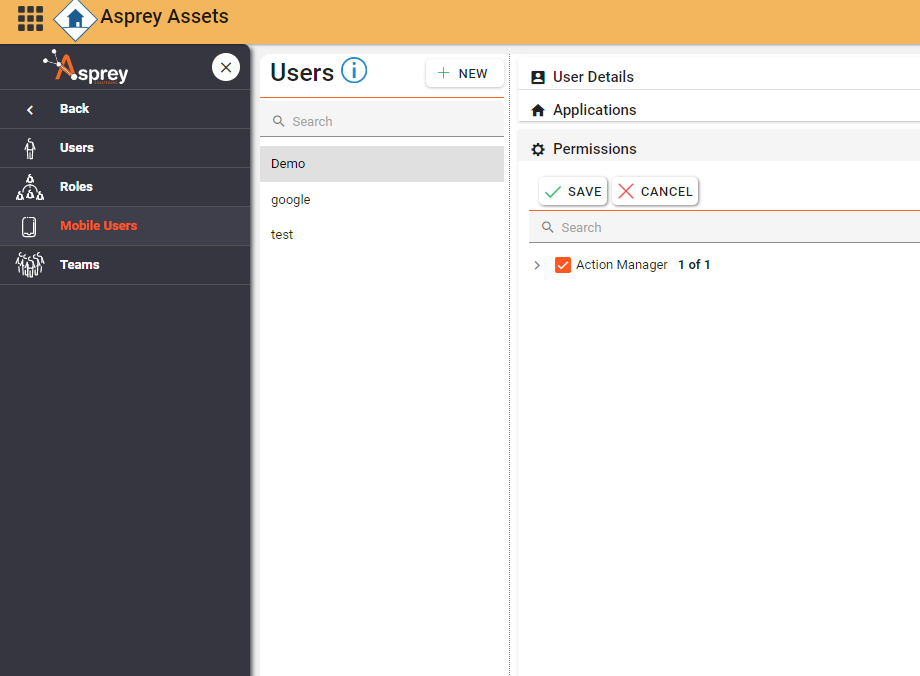
Then select the permissions the user is to have and click “save”.