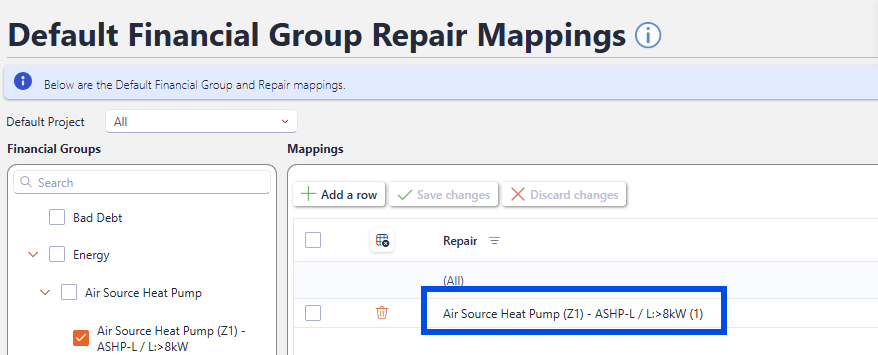
Default Group Repair Mapping
Mapping the Financial Groups to the Asprey Assets Repairs allows for repairs that are held within the Asprey Assets system to be added as costs within Aspire BI.
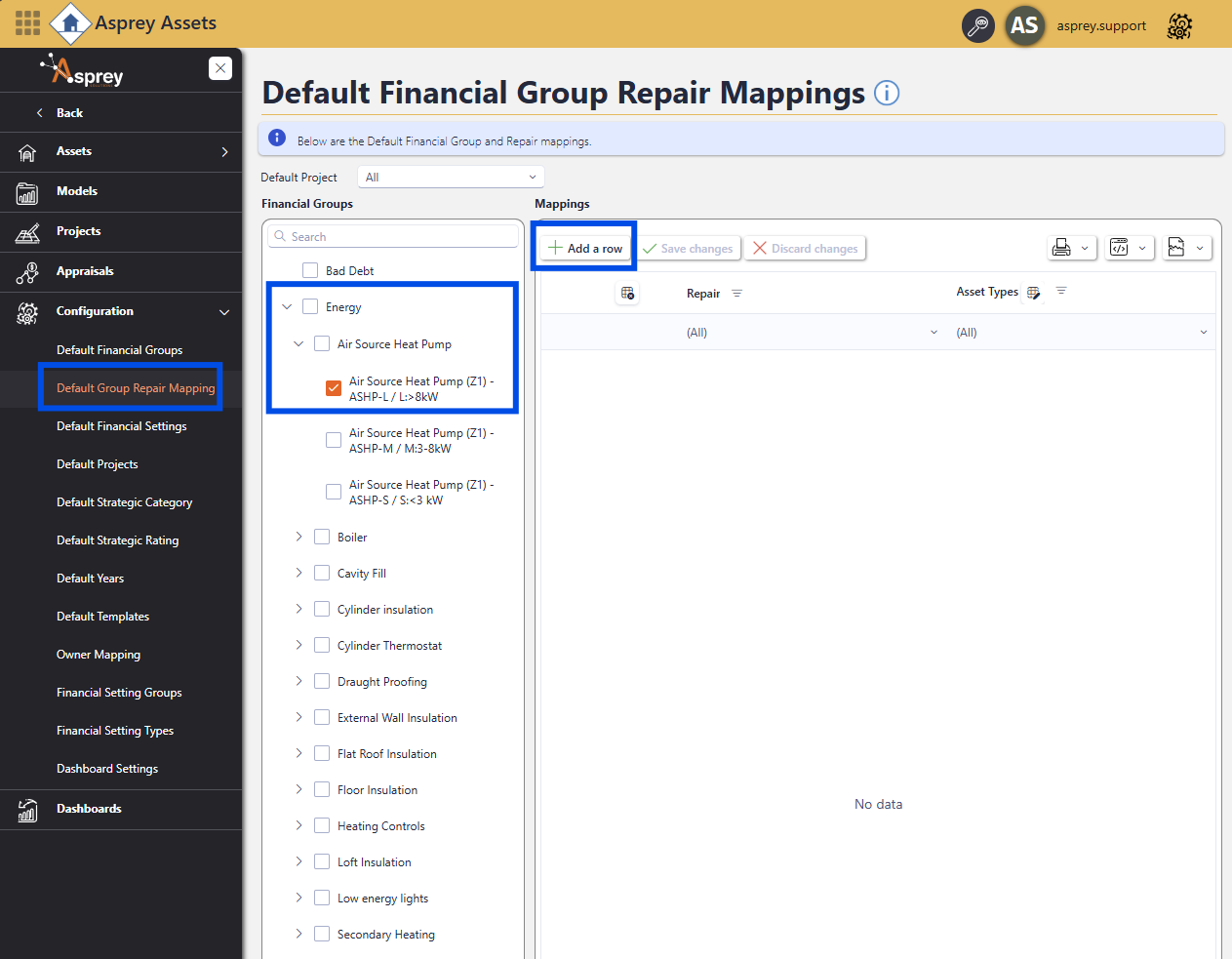
Navigate to the “Default Group Repair Mapping” section. Find the financial group configured in Aspire BI and select it. To add the repair mapping, click the “Add a row” button.
A new row will appear. click in the row and a drop down will appear showing all the repairs available in the system.
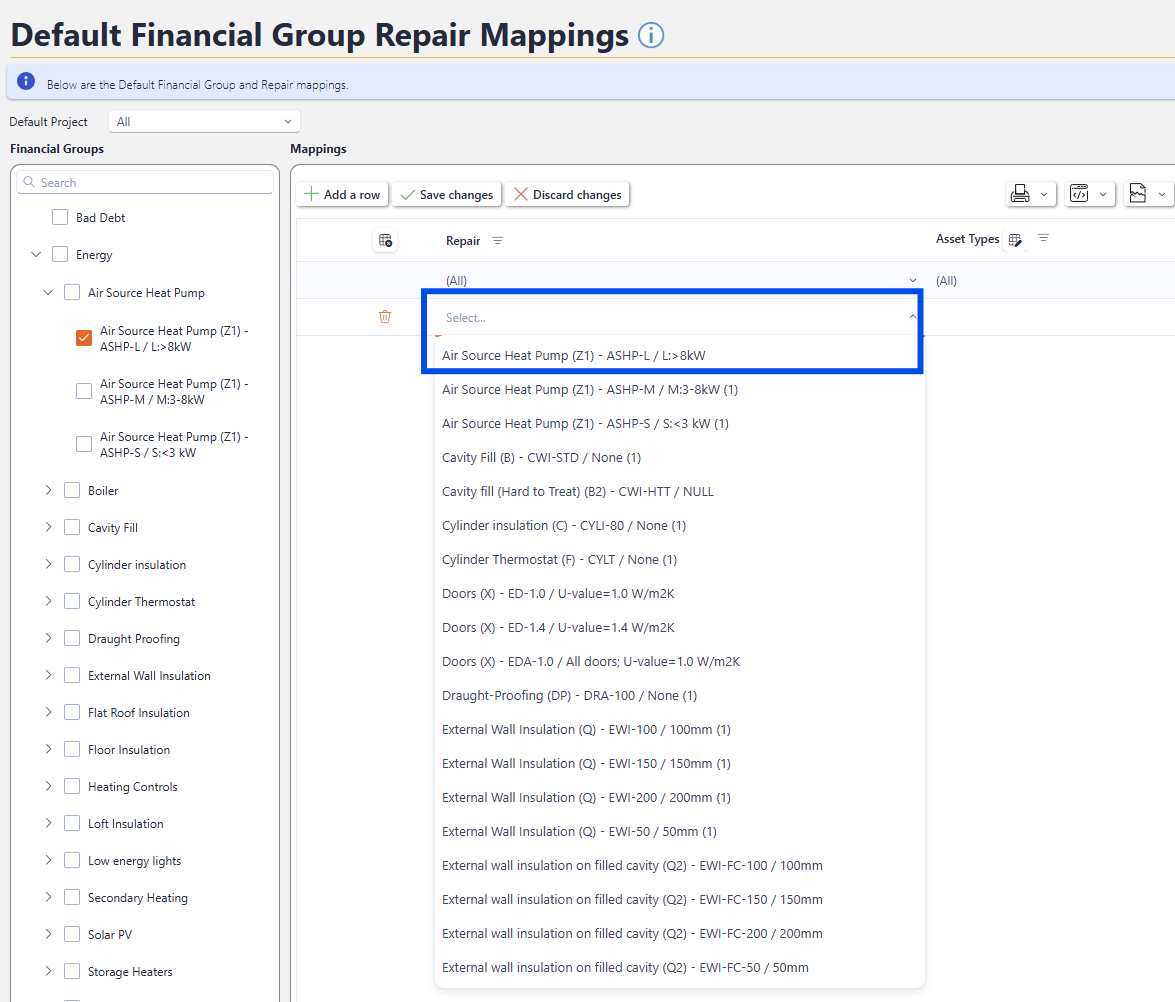
Select the desired repair from the list.

The number in the brackets next to the repairs shows how many times that particular repair has been mapped already. If the repair has been mapped multiple times, this will insert the repair multiple times. Consider this behaviour before configuring multiple repairs.
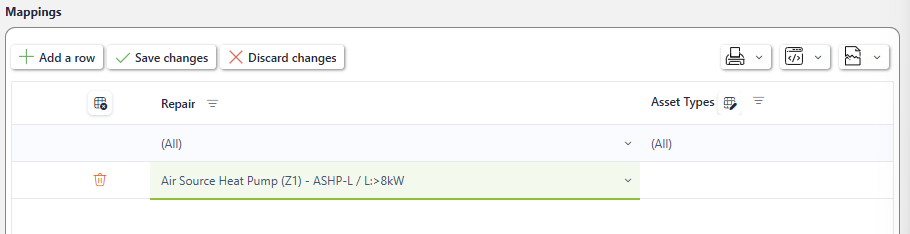
Then click “Save changes” to commit the configuration.