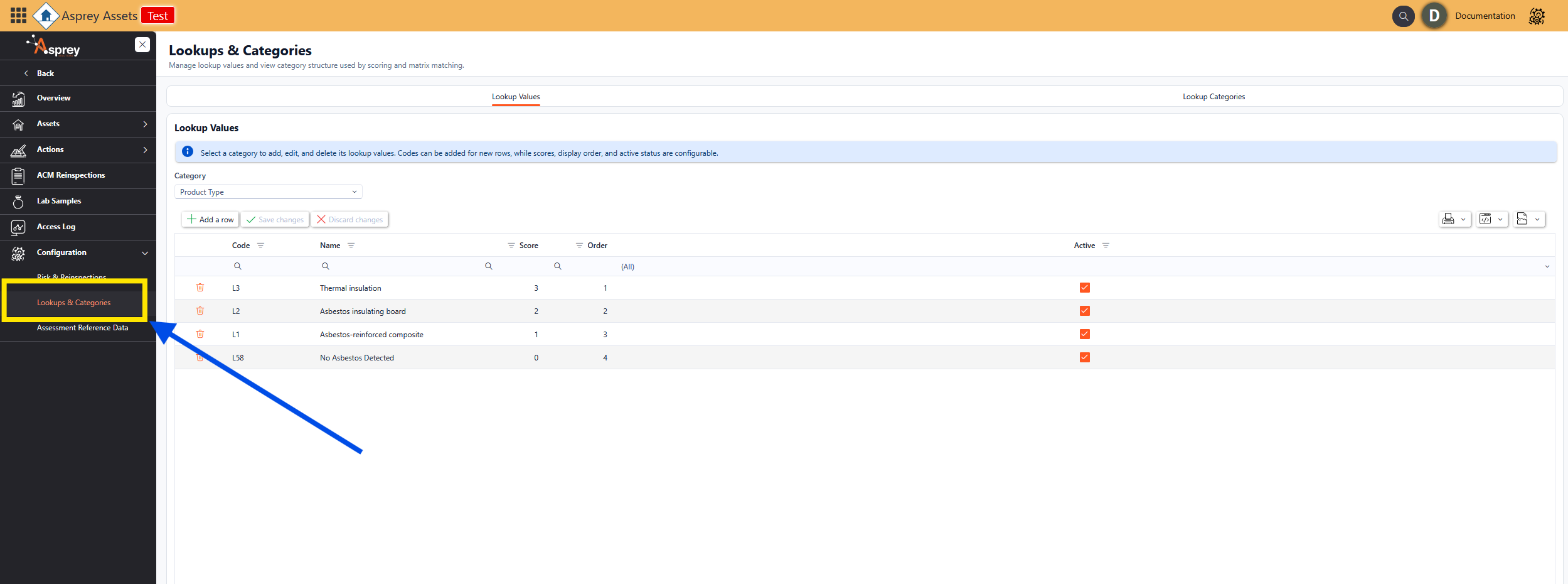
Configuration - Lookups & Categories
The Lookups and Categories configuration page allows users to manage the lookup values and view category structure used by the scoring and matrix matching. There are two tabs along the top, Lookup Values and Lookup categories.
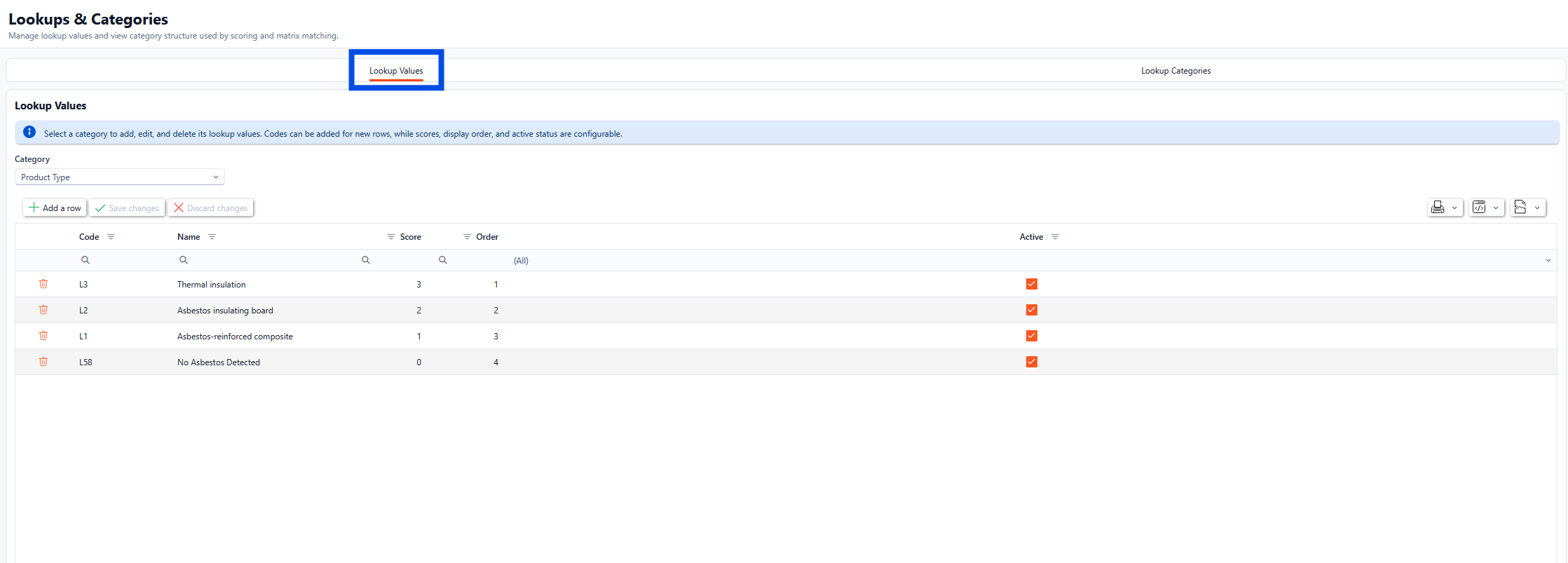
Lookup Values
Within the Lookup Values tab, the individual lookup values can be configured for use within the Asbestos function. Select a category to add, edit, and delete its lookup values. Codes can be added for new rows, while scores, display order, and active status are configurable.
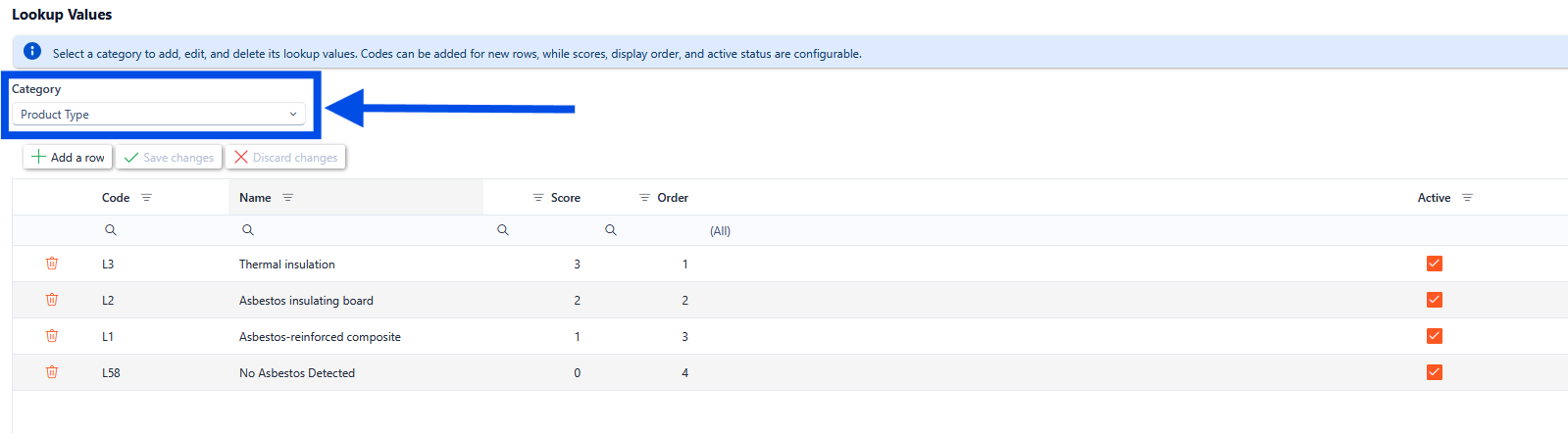
The category drop down shows the different categories within the system and then shows the relevant codes and lookup values for the selected category.
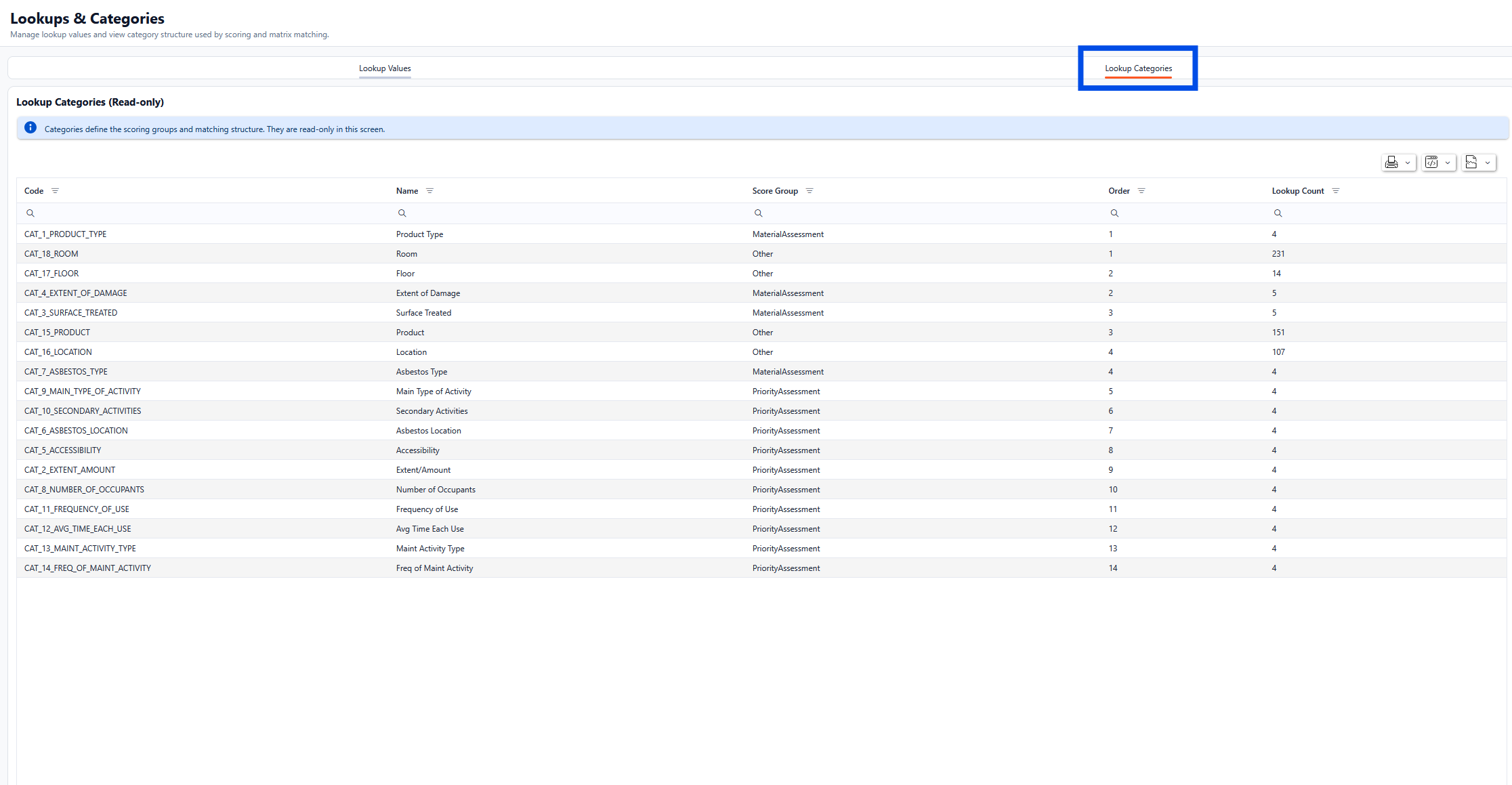
Lookup Categories
The Lookup Categories define the scoring groups and matching structure. They are read-only in this screen.