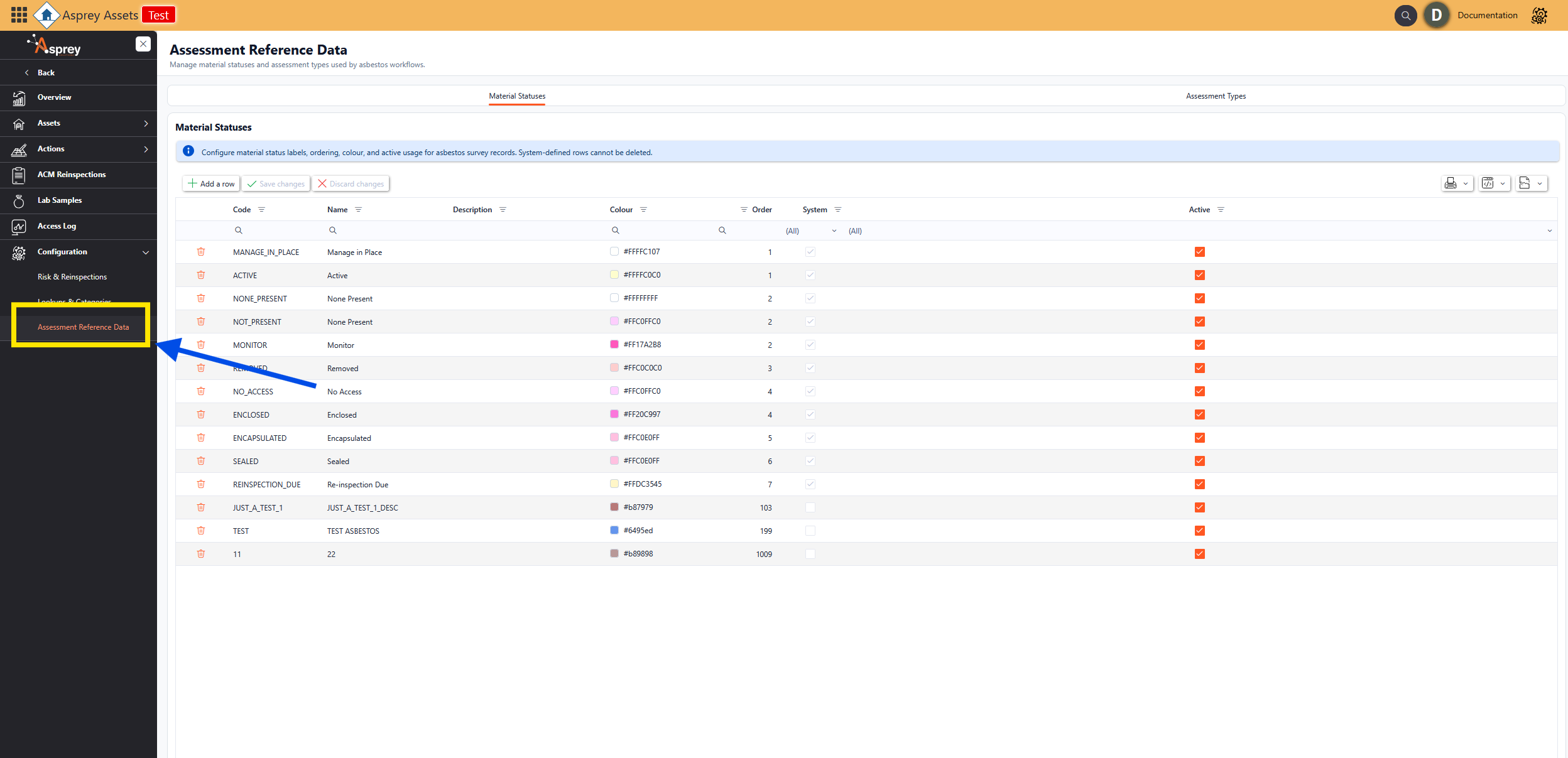
Configuration - Assessment Reference Data
The Assessment Reference Data configuration page allows users to manage the material statuses and assessment types used by asbestos workflows. There are two tabs along the top, Material Statuses and Assessment Types.
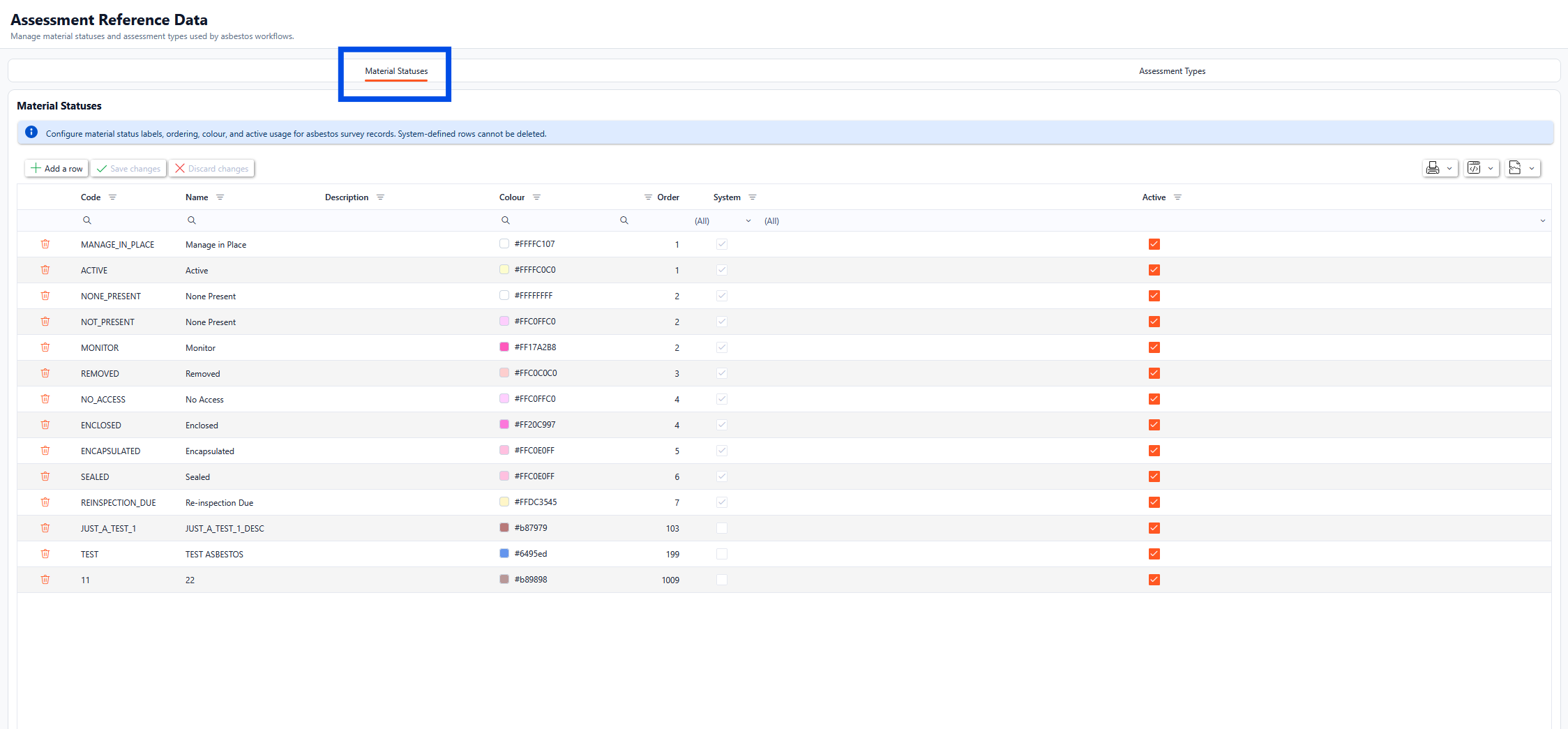
Material Statuses
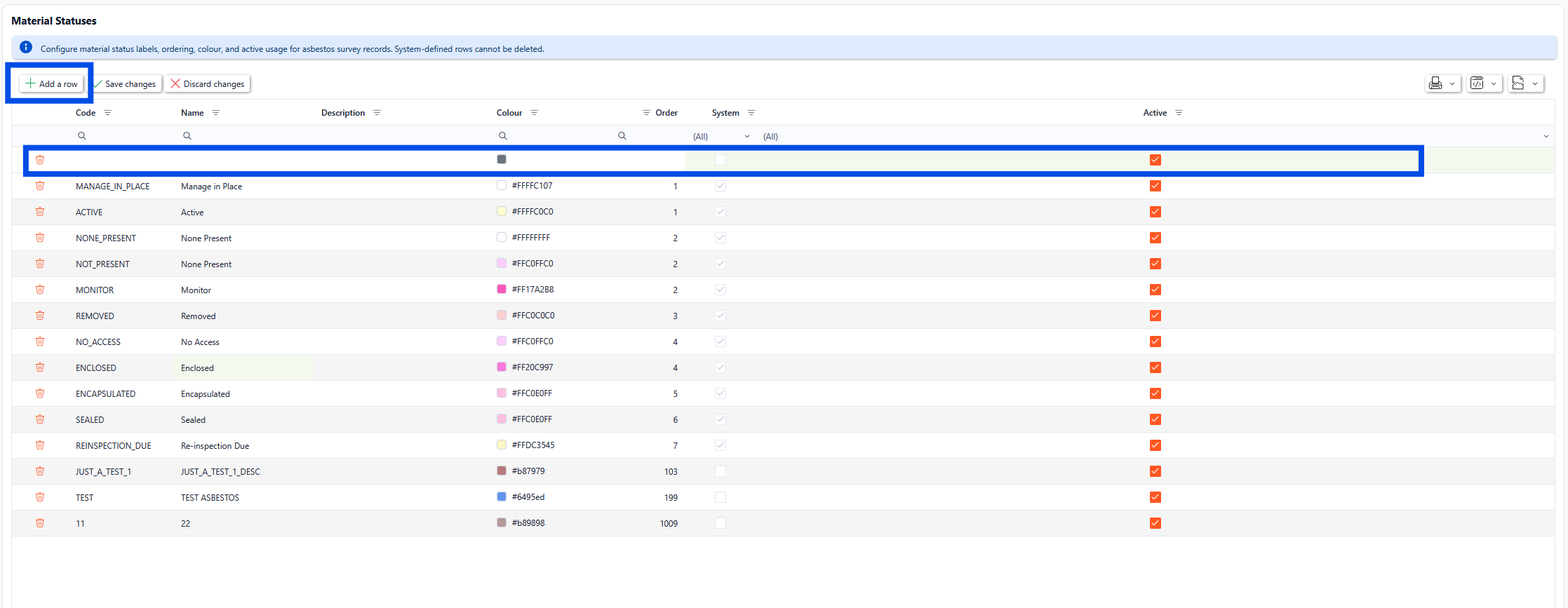
Within the Material Statuses tab, the material status labels, ordering, colour, and active usage for asbestos survey records can be configured.

System-defined rows cannot be deleted.
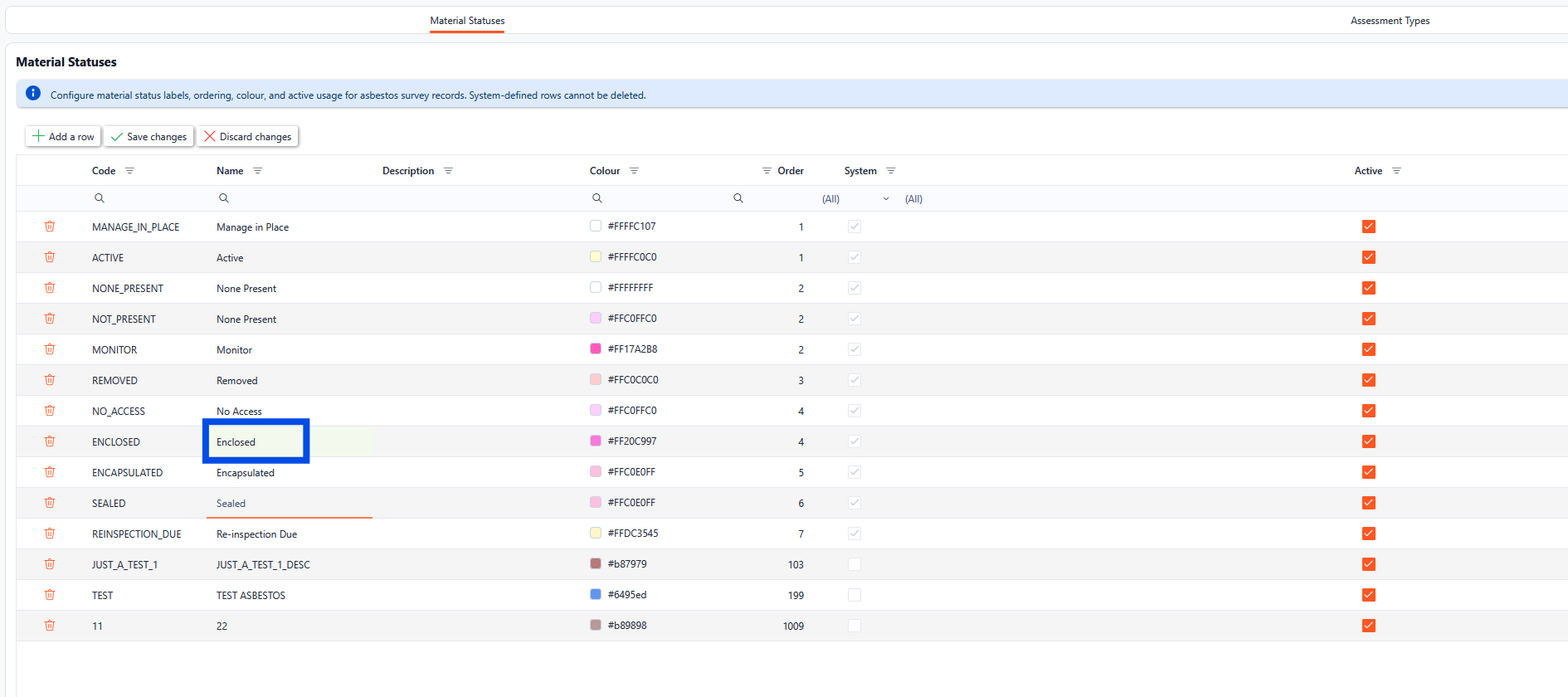
To edit any of the existing rows, select the field to be updated and type the new values in place (these will highlight in green until saved), once all the relevant information has been updated, click the Save Changes button.
To add a new Material Status, click the Add a row button. A new record will appear. Complete the relevant records as required and click the Save Changes button.
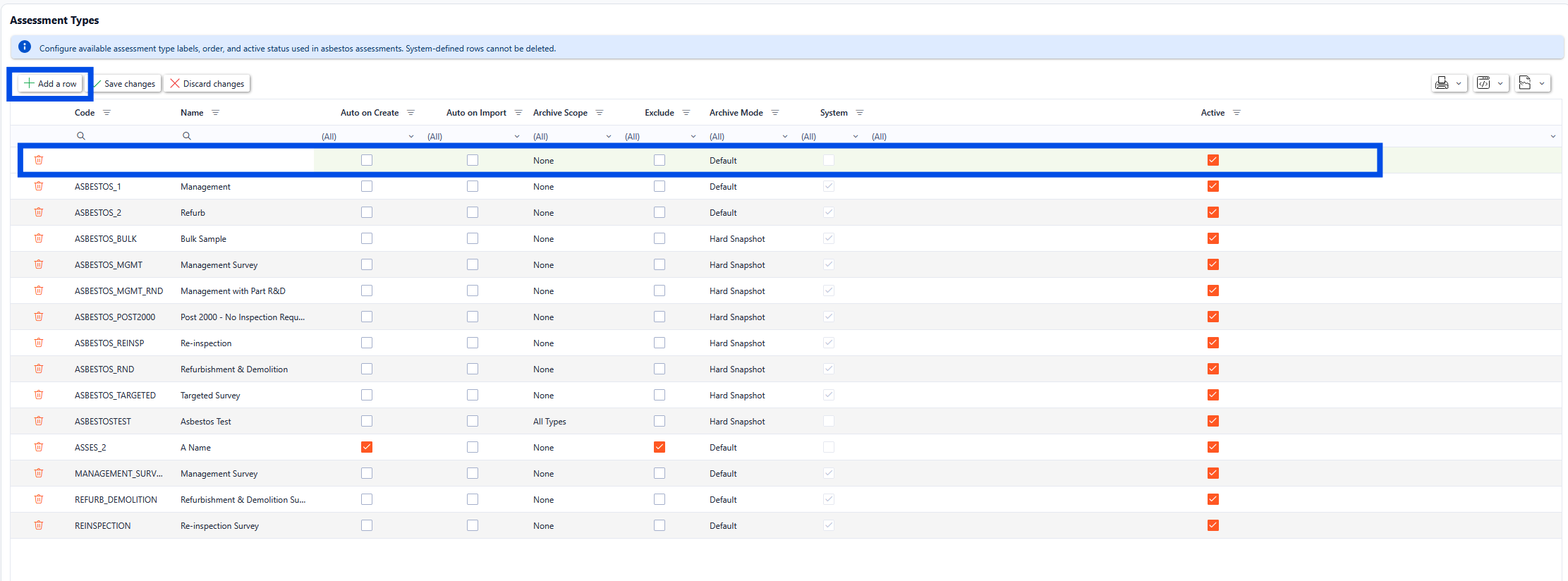
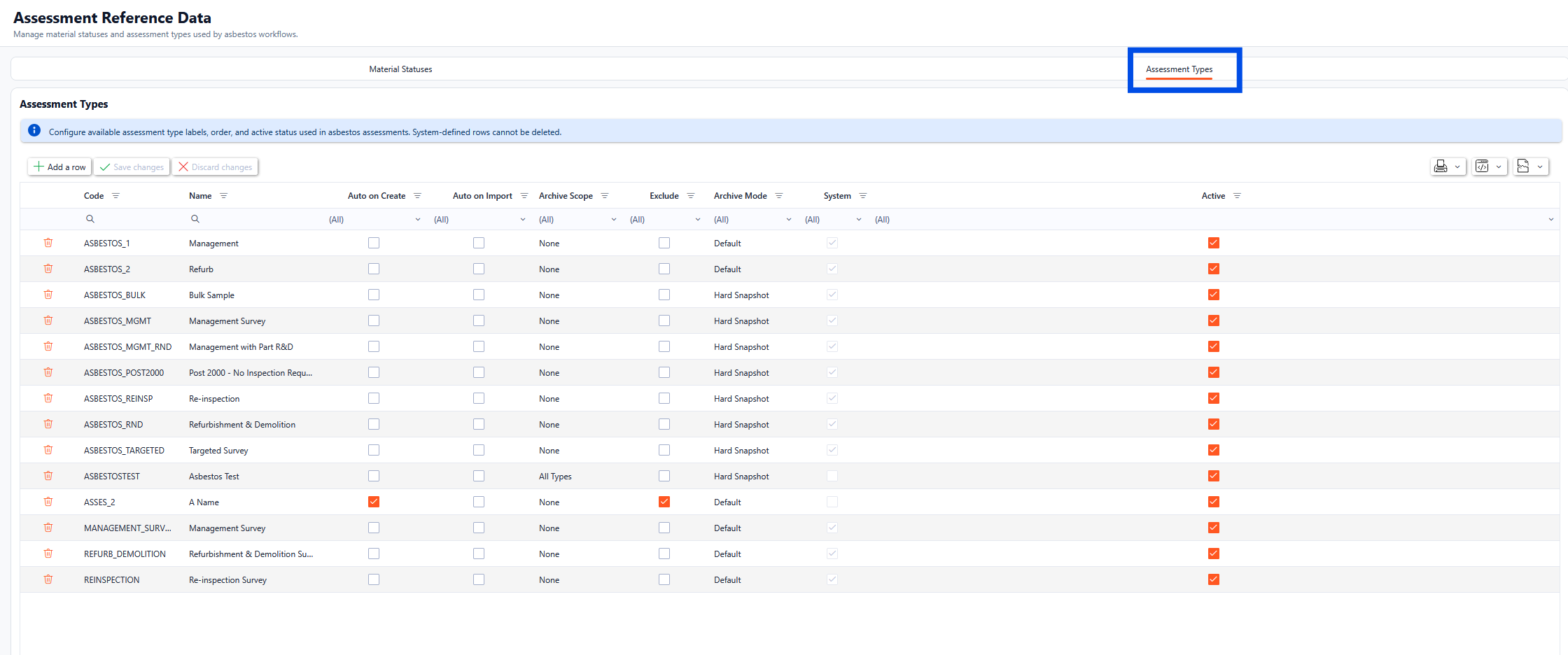
Assessment Types
Within the Assessment Types tab, the available assessment type labels, order, and active status used in asbestos assessments can be configured.
System-defined rows cannot be deleted.
To edit any of the existing rows, select the field to be updated and type the new values in place (these will highlight in green until saved), once all the relevant information has been updated, click the Save Changes button.
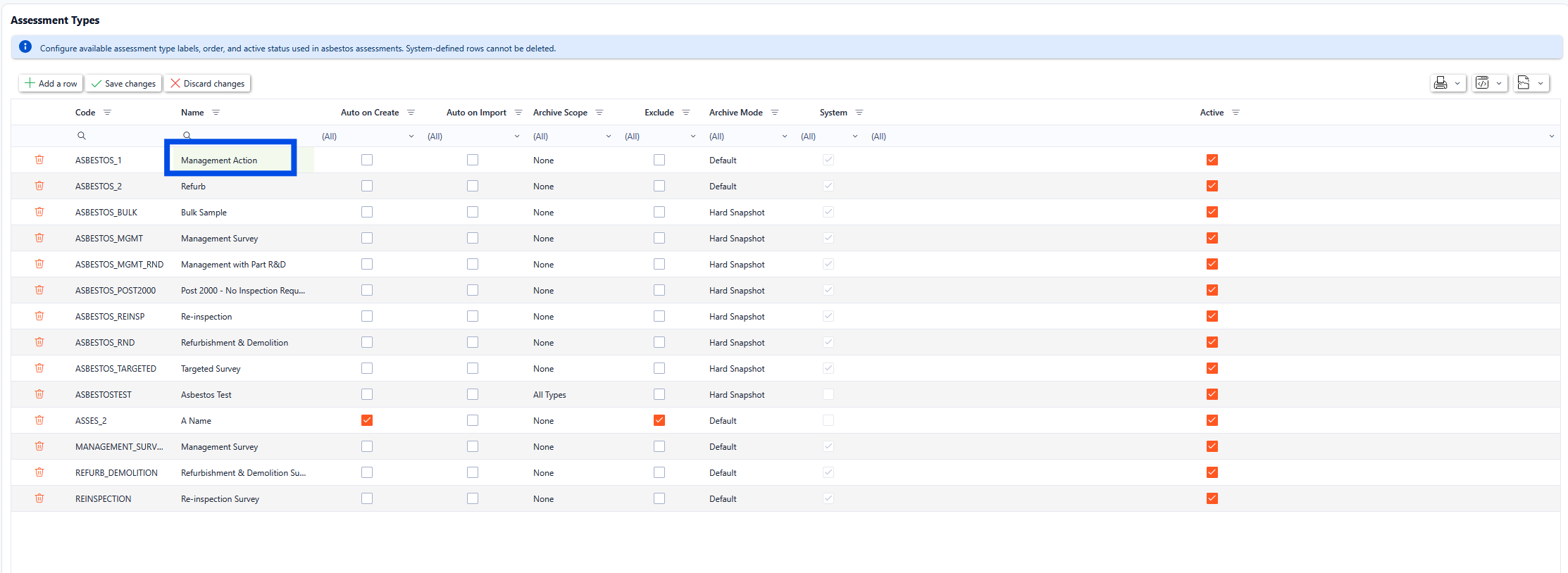
To add a new Assessment Types, click the Add a row button. A new record will appear. Complete the relevant records as required and click the Save Changes button.