
Asbestos Overview Screen
The Asbestos overview page is the first landing page within the Asbestos compliance product.
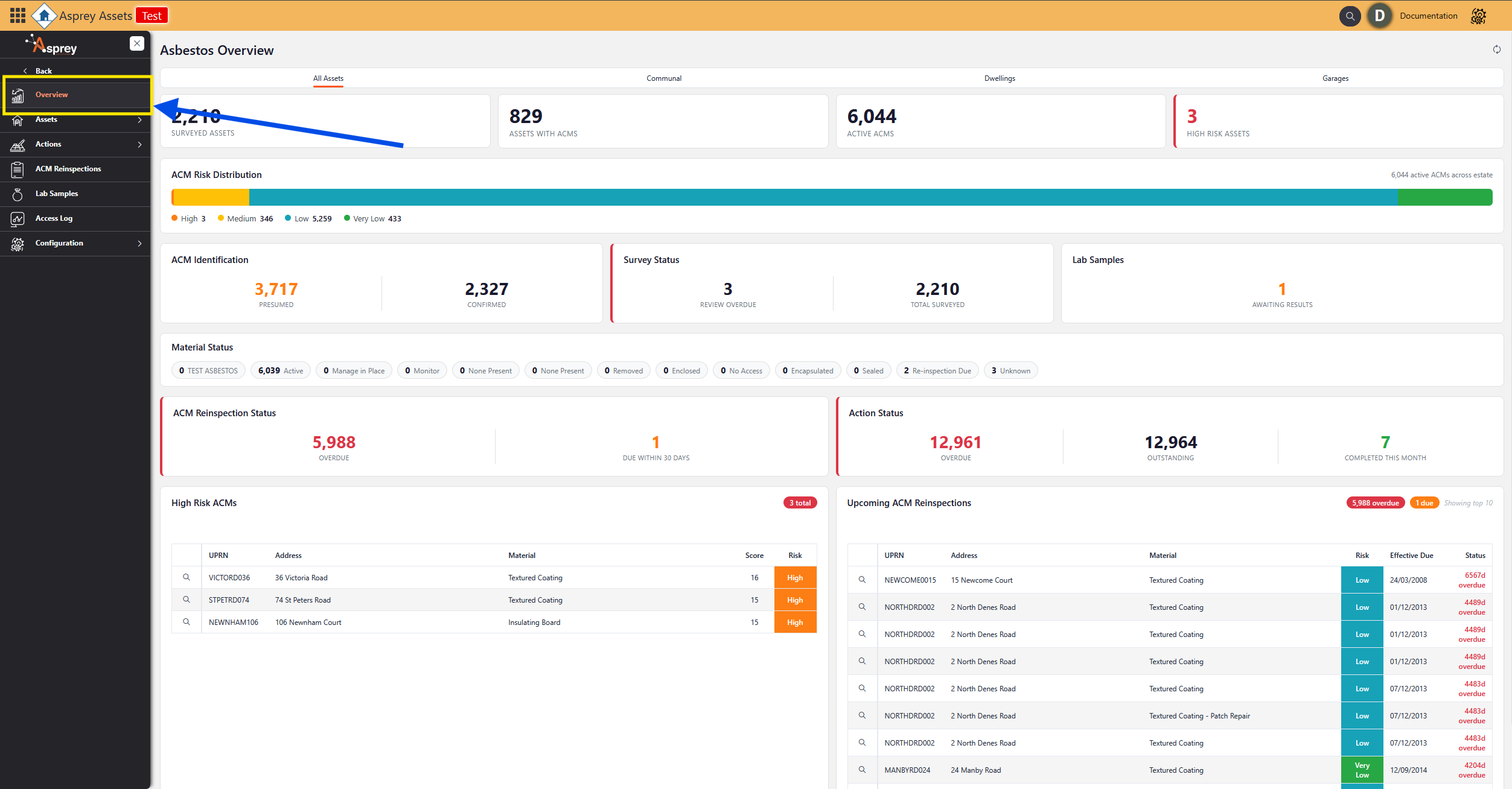
Asbestos Overview page
The Asbestos overview page shows a summary of all the Asbestos information within the system. The header row allows for different filters to be passed through to update the visuals within the overview dashboard.
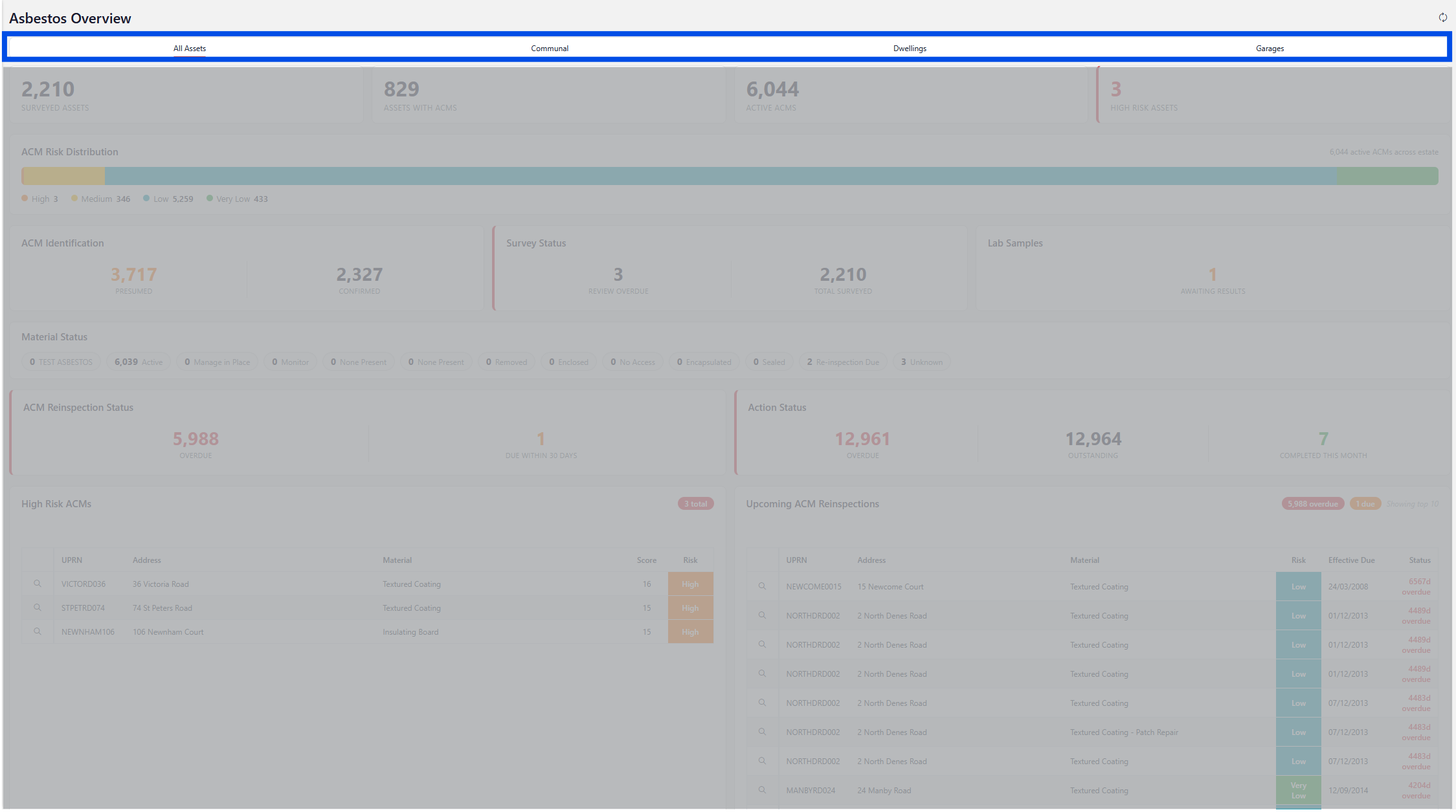
Asbestos Overview filters
The options to filter the view are given below:
All Assets (default)
Communal
Dwellings
Garages
Where the curser icon amends to the hand with the pointing finger, this represents the ability to drill through on that particular visual.
Areas that can be drilled into are given below:
Surveyed Assets
Assets with ACMS
Active ACMs
High Risk Assets
ACM Identification
Survey Status
Lab Samples
ACM Reinspection Status
Action Status
High Risk ACMs
Upcoming ACM Reinspection
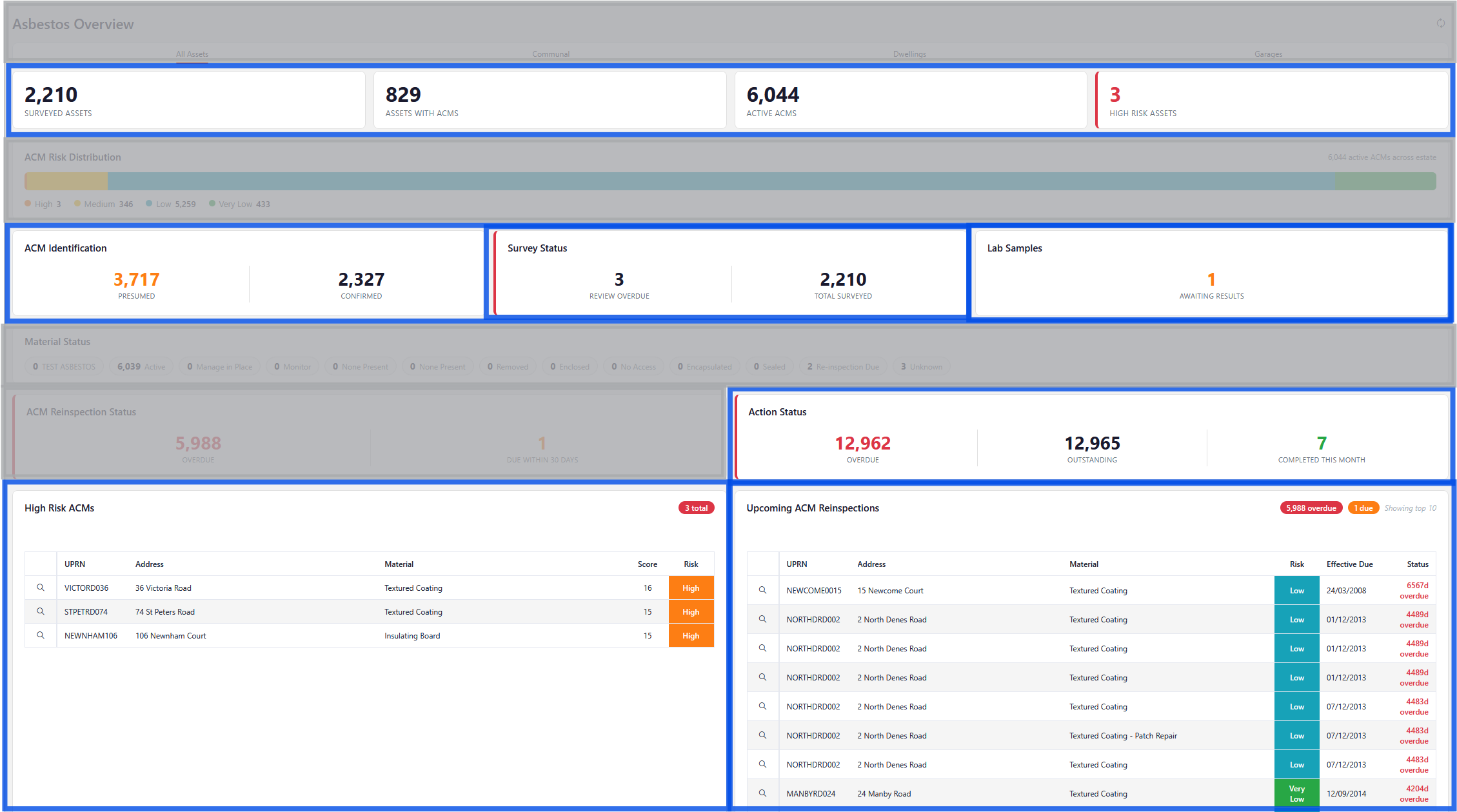
Asbestos Overview Drill-through areas